Product learning center

Neebify Video Tutorials for LinkedIn + Email Outreach

Learn how to set up Neebify, import leads, build LinkedIn + cold email campaigns, create drip sequences, manage replies, track analytics, and organize your team workspace.

Watch practical product walkthroughs and learn how to launch your first outreach workflow with more clarity and confidence.

Step-by-step tutorials · Beginner-friendly · Built for B2B outreach teams

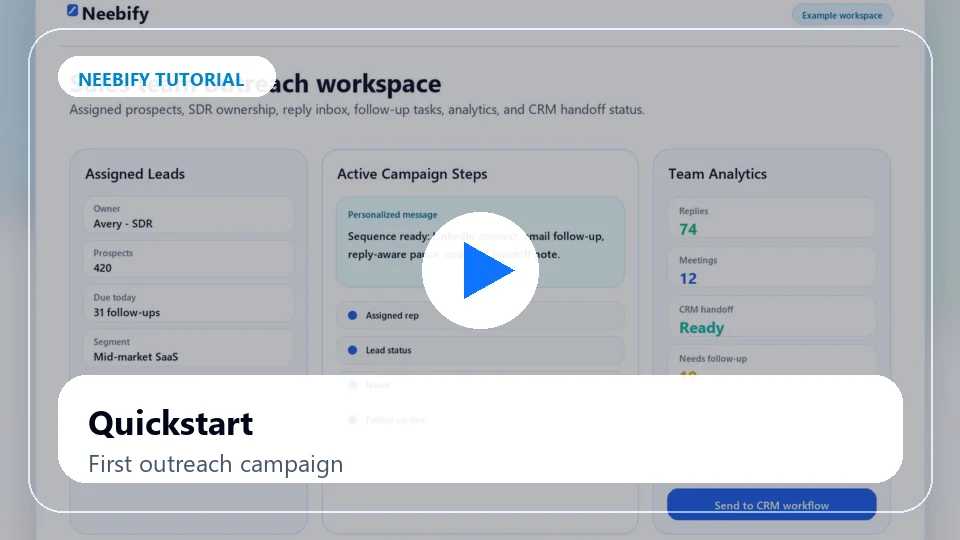
Neebify quickstart tutorial showing first LinkedIn and email outreach campaign setup
Start here
Lead import
Campaign setup
Reply workflow
Video library

Search tutorials by workflow

Use the library to learn lead import, LinkedIn outreach setup, cold email automation, drip sequences, reply inbox management, campaign analytics, and team workflows.

Transcript highlights

Prefer to scan before watching?

Every tutorial has a crawlable transcript page with timestamps, step summaries, related feature links, and a setup call CTA.

Quickstart: Set Up Your First Neebify Outreach Campaign

00:00 - Introduction to the Neebify workspace and the first campaign flow.

00:02 - Set up your workspace, review navigation, and prepare your outreach goal.

00:04 - Add leads, choose LinkedIn and email steps, and review the campaign before launch.

00:06 - Check replies, analytics, and next steps for a cleaner first campaign.

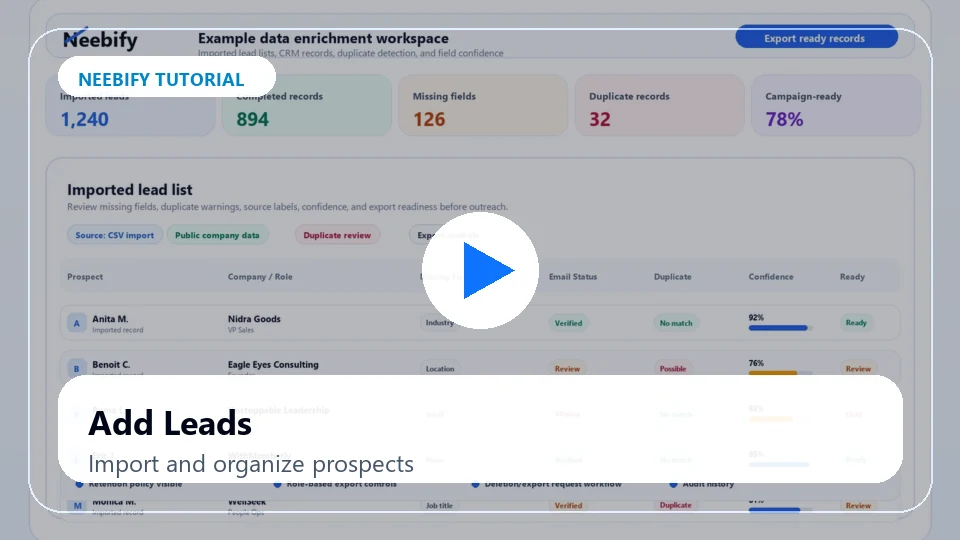
How to Add and Organize B2B Leads in Neebify

00:00 - Open the prospect workspace and choose the list you want to prepare.

00:02 - Import CSV files or existing prospect lists into Neebify.

00:04 - Review missing fields, duplicate warnings, and ICP segments before outreach.

00:07 - Move cleaner lead data into a campaign-ready workflow.

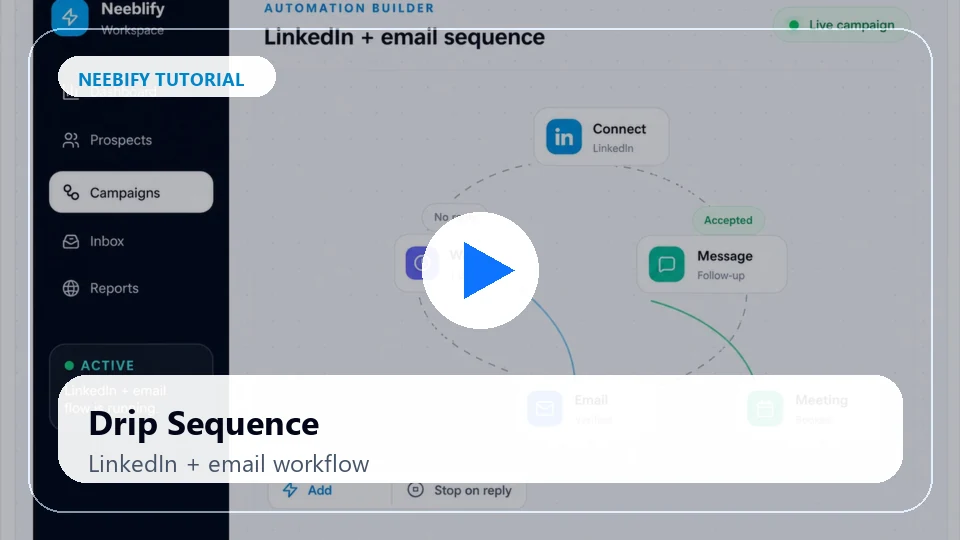
How to Build a LinkedIn + Email Drip Sequence in Neebify

00:00 - Start from the campaign builder and define your outreach goal.

00:02 - Add LinkedIn actions, cold email follow-ups, wait steps, and conditions.

00:04 - Use reply-stop logic so follow-ups pause when a prospect responds.

00:06 - Review the full sequence before activating the campaign.

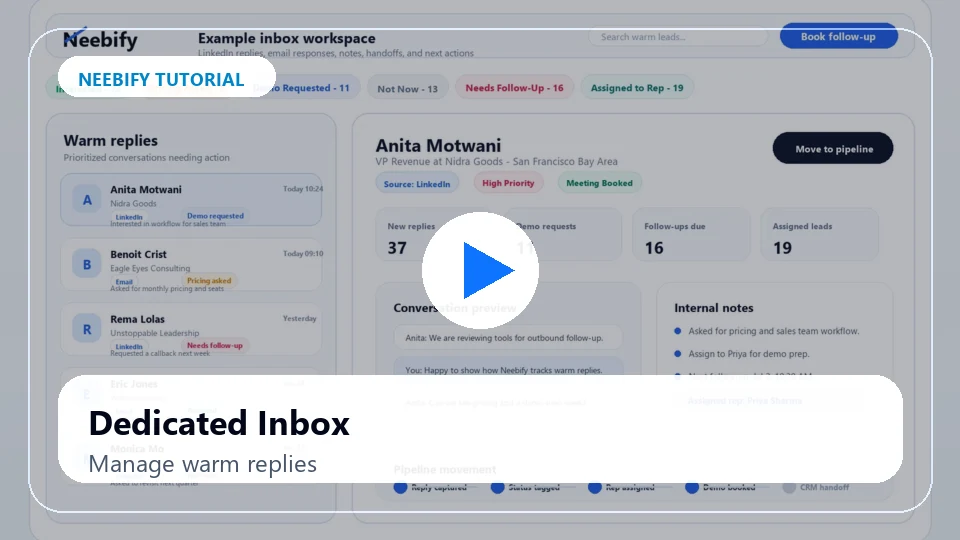
How to Manage Warm Replies in the Neebify Inbox

00:00 - Open the reply inbox and review active campaign conversations.

00:02 - Track LinkedIn replies, cold email responses, interested leads, and demo requests.

00:05 - Add notes, update statuses, and assign warm conversations to the right owner.

00:07 - Keep follow-ups organized so interested leads are not missed.

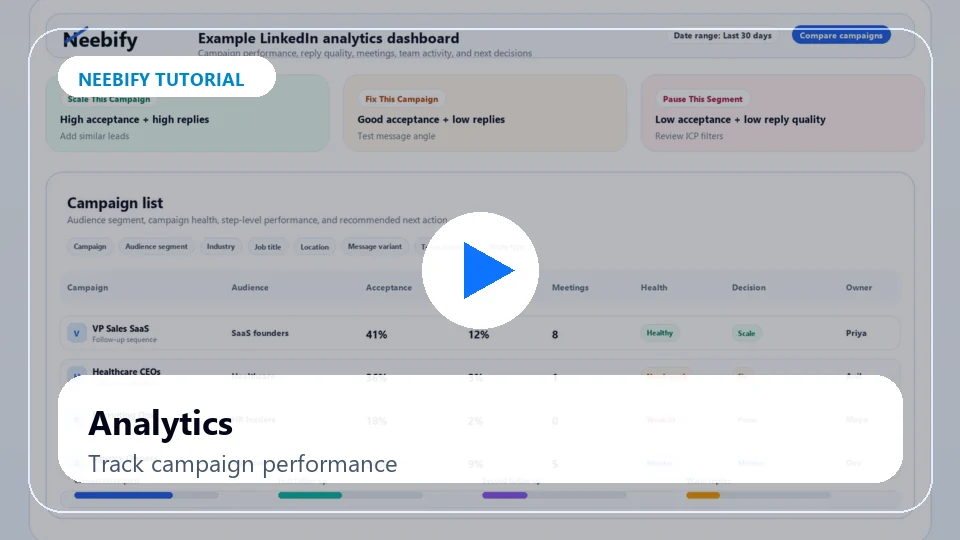
How to Track Campaign Performance in Neebify Analytics

00:00 - Open analytics to understand campaign performance at a glance.

00:02 - Review acceptance rates, reply rates, meetings, and follow-up performance.

00:04 - Compare campaign health signals and team activity before scaling.

00:06 - Use reporting to decide which audience or message should be improved.

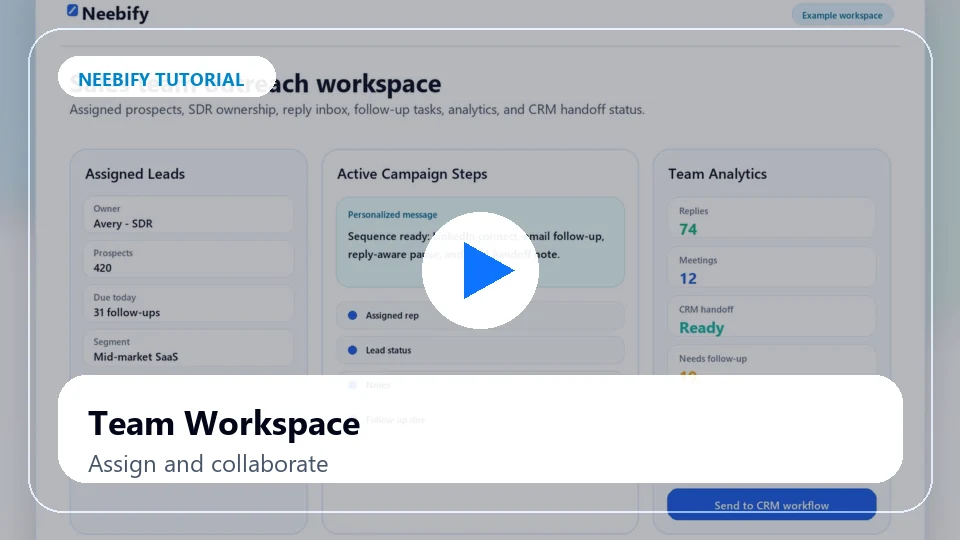
How to Manage Team Outreach Workflows in Neebify

00:00 - Open the team workspace and review users, campaigns, and ownership.

00:02 - Assign leads and track campaign activity across your team.

00:05 - Hand off warm conversations with notes, statuses, and clear next actions.

00:07 - Keep managers and teammates aligned from one outreach workspace.

FAQ

Neebify Video Tutorial FAQ

What can I learn from Neebify video tutorials?

You can learn how to set up Neebify, import leads, build LinkedIn + email outreach campaigns, create drip sequences, manage replies, track analytics, and organize team workflows.

Are the tutorials beginner-friendly?

Yes. The video library includes beginner and intermediate tutorials so users can learn at the right pace.

Do the tutorials include LinkedIn outreach setup?

Yes. Tutorials show how to build LinkedIn outreach workflows, add follow-ups, manage replies, and track campaign performance.

Do the tutorials include cold email automation setup?

Yes. Tutorials cover cold email campaigns, follow-up sequences, reply detection, bounce handling, and campaign tracking.

Can I book help after watching a tutorial?

Yes. Each video includes a CTA to book a setup call, request a demo, or get help launching a first campaign.

Should every tutorial have a transcript?

Yes. Every tutorial includes a transcript for accessibility, user experience, and SEO.

Setup support

Ready to Launch Your First Neebify Campaign With Support?

Watch the tutorials, then book a setup call to launch your first LinkedIn + email outreach workflow with the right lead list, sequence, inbox setup, and campaign tracking.

7-day free trial · No credit card · Beginner-friendly setup support